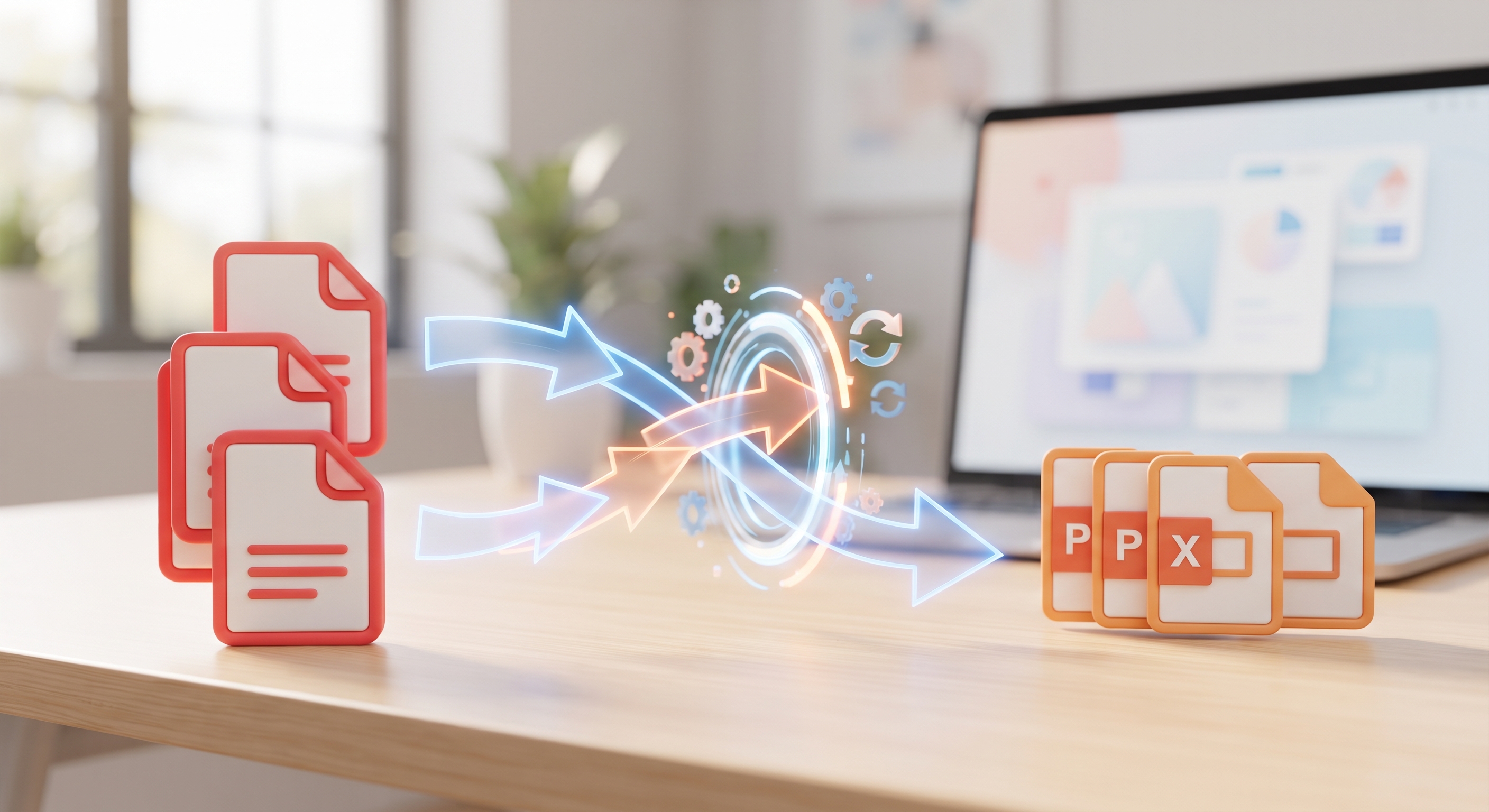
Why Is It Important to Convert PDF to PowerPoint?
While PDF files are great for preserving the formatting of documents, they have some limitations when it comes to editing and presenting. When you need to use a PDF document in a presentation or want to edit its content, add animations, or highlight certain sections, converting it to an editable PowerPoint (PPTX) format is vital.
KodaPdf simplifies this process for you. You can complete this conversion, which may take hours with traditional methods, in just a few clicks, completely free of charge and in a privacy-oriented way.
Steps to Convert PDF to PPTX with KodaPdf
Thanks to KodaPdf's user-friendly interface, it is very easy to convert from PDF to PowerPoint. Here's how to do it step by step:
- Go to KodaPdf.com: Visit KodaPdf.com from your browser.
- Select "PDF to PPTX" Tool: From the "Conversion" section on the home page or by using the search bar. Find and click the "PDF to PPTX" tool.
- Upload Your PDF File: Drag and drop the PDF file you want to convert into the drop area or select it from your computer by clicking the "Select File" button. KodaPdf can also handle multi-page PDFs without any problems.
- Start the Conversion Process: After uploading your file, KodaPdf will automatically start the conversion process. This process usually takes a few seconds.
- Download Your PPTX File: Once the conversion is complete, click the "Download" button to download your new PowerPoint file. Now you can edit your presentation, add animations or use it directly!
Why Choose KodaPdf?
- Totally Free: You don't have to pay anything for all your PDF to PPTX conversions.
- Privacy Focused: The security and privacy of your files is our top priority. The files you upload are automatically deleted from our servers after a certain period of time.
- Fast and Efficient: Thanks to our powerful servers, even large files are converted in seconds.
- User-Friendly Interface: Anyone can use it easily with simple steps that do not require technical knowledge.
- Wide Range of Tools: Don't just convert from PDF to PPTX! KodaPdf also offers conversion from PDF to Word, Excel, JPG; It also offers many other tools like PDF merge, split, compress, protect, etc. You can even benefit from advanced features such as AI PDF Summarization and PDF chat.
Conclusion
Whether you are a student or a professional, time is precious when preparing a presentation. Speed up your workflow by converting your PDF files into editable PowerPoint presentations quickly, securely and free with KodaPdf. Visit KodaPdf.com now and discover the ease of digital document management!