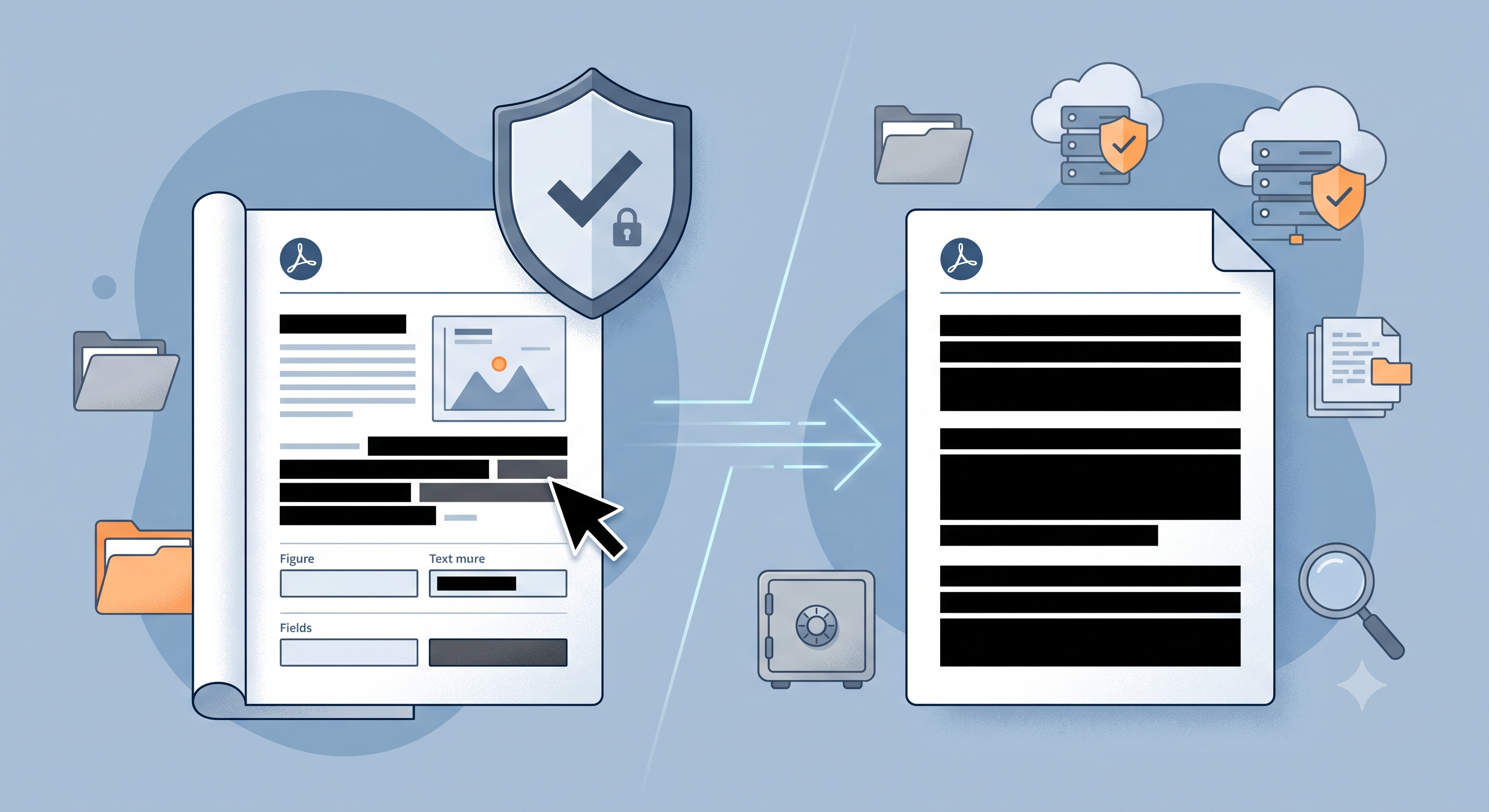
PDF Censorship with KodaPdf: Permanently Remove Sensitive Information
Protecting our privacy while sharing our documents in the digital world has become more important than ever. PDF files, in particular, can contain a lot of sensitive information, from employment contracts to personal documents. So how can you secure this information before sharing it with others? Answer: PDF censoring.
What is PDF Censoring and Why is it Important?
PDF censoring is the process of permanently removing certain texts, images, or areas from a PDF document, making it unreadable. This isn't just a visual hiding method like darkening or whitening; Censored content is completely deleted and cannot be restored. This feature is especially critical for the following situations:
- Protection of Personal Data (KVKK compliance)
- Confidentiality of financial information
- Protection of sensitive parts of legal documents
- Preventing the disclosure of trade secrets or confidential information
Many people try to simply add a white box to cover sensitive information. But this doesn't actually remove the information; The information can be accessed again by removing the box or examining the document's metadata. True censorship radically and irreversibly destroys this information.
Securely Censor Sensitive Information with KodaPdf
KodaPdf (kodapdf.com) is a free and privacy-focused online tool platform that allows you to easily and securely censor sensitive information in your PDF files. Thanks to KodaPdf's intuitive interface, you can censor your documents professionally in a few simple steps.
Steps to Censor PDF with KodaPdf:
- Upload Your Document: Go to KodaPdf's PDF Censor tool and select the PDF you want to censor. Drag and drop the file or upload it from your computer by clicking the "Select File" button.
- Specify Areas: Once the document is uploaded, use the tool to select the texts, images, or specific areas you want to censor. Usually this is done by drawing a rectangle or highlighting the text.
- Apply Censoring: After confirming your selected areas, click the "Censor" or "Apply" button. KodaPdf will permanently remove these areas and make them unreadable.
- Download the Censored Document: Once the process is completed, you can safely download your newly censored PDF file to your computer. This document will no longer contain sensitive information.
Why Should You Choose KodaPdf?
KodaPdf stands out not only with its censoring feature, but also with the comprehensive and free tools it offers:
- Privacy Focused: Your files are not stored on our servers for a long time, and are automatically deleted after your transactions are completed. Your data security is our priority.
- Comprehensive Toolset: Not only censoring, but also PDF to Word conversion, PDF merge, PDF compression, PDF editing from a single platform.
- Free and Accessible: Get high-quality PDF tools at no cost. We offer an accessible solution for everyone.
- Easy to Use: Thanks to its intuitive interface, you can easily perform all operations without needing technical knowledge.
Protecting your sensitive information is now much simpler with KodaPdf. Try KodaPdf's censoring tool now to share your documents safely and comply with legal requirements!
Visit kodapdf.com for more information and our other powerful tools.