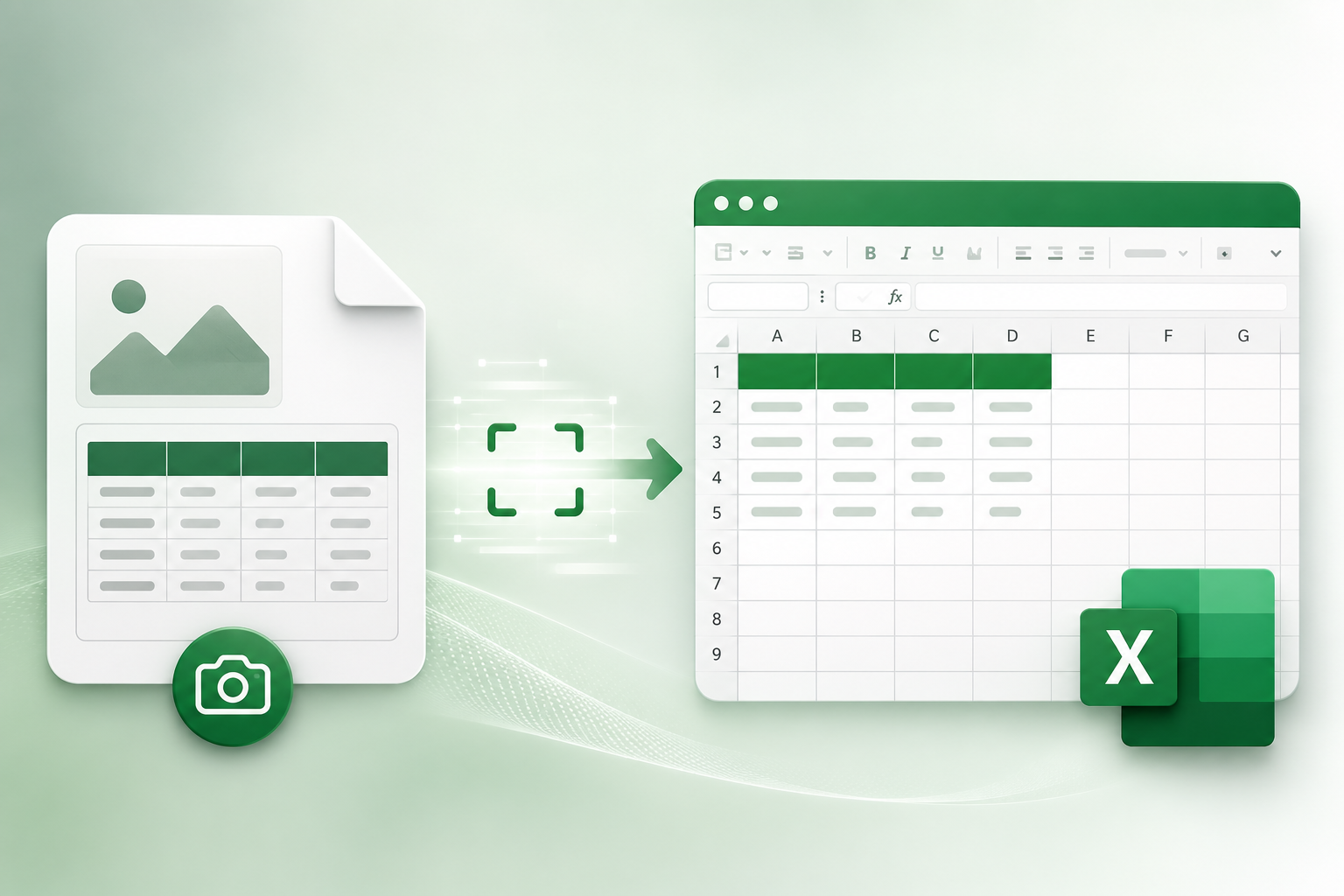
Introduction: Unlocking Data in Visuals
In modern business and daily life, data often appears in visual formats: scanned invoices, screenshots, reports with graphs, or photographed charts. Manually transferring the information in these images to Excel is a time-consuming, tiring and error-prone process. What if there was an easy way to overcome this challenge? It's available with KodaPdf!
Why Do We Need to Convert from Image to Excel?
- Efficiency: Reduces hours spent on manual data entry.
- Accuracy: Increases the reliability of the data by minimizing human errors.
- Ease of Analysis: Presents the visual data in an editable format, facilitating analysis and reporting processes.
- Accessibility: It makes the text in the image searchable and copyable.
KodaPdf and OCR: The Key to Converting Images to Editable Excel
KodaPdf is a powerful tool that will help you recognize texts in images and convert them into editable formats OCR (Optical Character Recognition) technology. OCR reads the text in an image and converts it into digital text. In this way, even data that seems "locked" becomes accessible to you.
Steps to Convert Image to Excel with KodaPdf
Thanks to KodaPdf's user-friendly interface, you can complete this complex process in a few simple steps:
- Upload Your Image: First, upload the image file (JPG, PNG, etc.) you want to convert to Excel to the KodaPdf platform. If your image is in a PDF, you can also use your PDF directly.
- Apply OCR: Apply KodaPdf's OCR tool to the file you uploaded. This process will recognize the text in the image and convert your file into a text-selectable/searchable format. Typically, this step will convert your image to an OCRed PDF.
- Convert the OCRed File to Excel: Once the OCR process is complete, use KodaPdf's powerful PDF to Excel converter to convert the resulting OCRed PDF file into an editable Excel spreadsheet. KodaPdf takes care to preserve the tables and data structure as best as possible.
- Download Your Excel File: Once the conversion process is complete, download your new editable Excel file to your computer. Now you can easily organize, analyze and work on data!
Why Choose KodaPdf?
- Totally Free: Access all these advanced tools without paying any subscription or hidden fees.
- Privacy Focused: The security of your data is our priority. Your uploaded files will be permanently deleted from our servers in a short time.
- Comprehensive Tool Set: Access many tools from a single platform, such as not only OCR and Excel conversion, but also PDF merging, splitting, compression, editing, artificial intelligence-supported summarization and chat.
- User-Friendly Interface: You can easily perform file operations without the need for technical knowledge.
Conclusion
The process of extracting data from images and exporting them to Excel has never been easier, thanks to KodaPdf's powerful OCR technology and comprehensive conversion tools. Instead of wasting your time and effort on manual data entry, quickly digitize your data and optimize your workflow with KodaPdf. Visit KodaPdf and start transforming your data now!