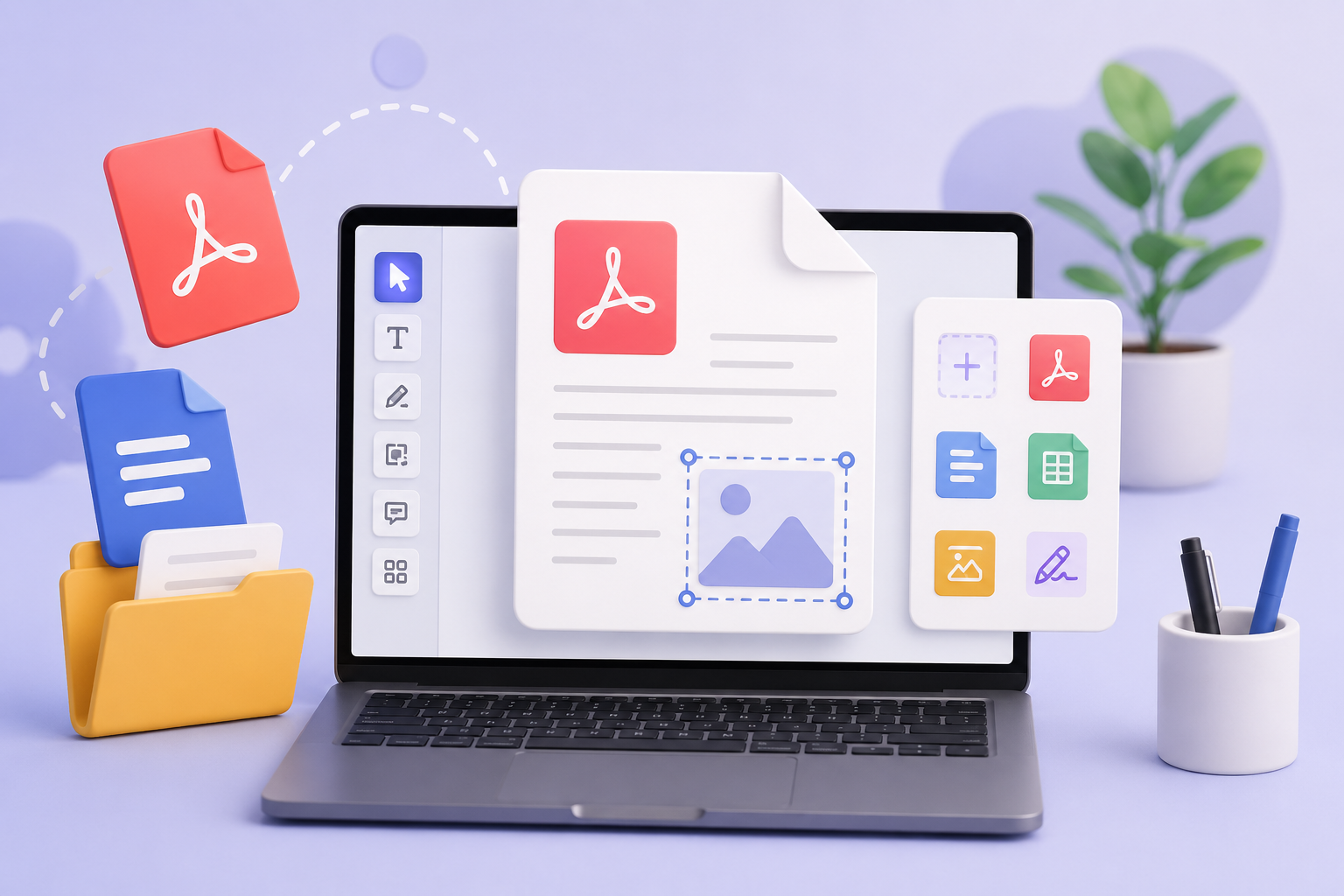
KodaPdf Online PDF Editor: Manage Your Documents Free and Secure
In the digital world, PDF documents are the cornerstone of information sharing and storage. However, when there is a need to make changes to these documents, one often has to resort to complex and expensive software. As KodaPdf, we offer you a comprehensive, free and completely privacy-oriented Online PDF Editor to make this process easier.
With KodaPdf's online PDF editor, you can edit, personalize and optimize your PDFs as you wish, directly from your browser, without having to download any software. You have full control over your documents!
What Can You Do with KodaPdf Online PDF Editor?
KodaPdf's intuitive and powerful editor allows you to make many changes you can think of in your PDF documents. Here are some key features:
Edit Texts Easily
- Replace Existing Text: Directly edit text in your documents, correct errors or update information.
- Adding New Text: Add additional notes, headings, or paragraphs to your document. You can easily adjust the font, size and color.
Adding/Editing Images and Figures
- Adding Images: Add, resize, move or delete images in formats such as JPG, PNG to your PDF.
- Shapes and Annotations: Highlight important points or make visual annotations by adding shapes such as lines, arrows, rectangles, and circles to your documents.
- Highlighting and Marking: Highlight important parts by highlighting, underlining or crossing out text.
Manage Pages
- Page Deletion: Easily remove pages you don't need.
- Page Reorder: Change the order of the pages in your document using drag and drop.
- Insert Blank Page: Add blank pages to your document for new content.
Adding an Electronic Signature
- Accelerate your approval processes by adding electronic signatures to your documents quickly and securely. You can draw, write, or upload your own signature as an image.
Discover Your Power with KodaPdf Ecosystem
KodaPdf Online PDF Editor combines with other powerful tools on our platform to provide you with a complete solution. After editing a PDF:
- Conversion Tools: You can instantly convert the PDF you have edited into Word, Excel, PPT, JPG, PNG or TXT formats or create a PDF from these formats.
- Administrative Tools: You can split a large PDF, compress or its pages you can reorganize.
- Advanced Features: If your document is a scanned PDF, you can convert it into editable text with our OCR (Optical Character Recognition) feature. You can also gain a deeper understanding of the content of your document with our AI PDF Summarizer and PDF with AI Chat features.
- Security: You can password protect the sensitive documents you edit or unlock a protected document.
Why Choose KodaPdf Online PDF Editor?
- Completely Free: No hidden costs or subscriptions required. All features are free.
- Privacy Focused: The security and privacy of your documents is our top priority. The files you upload are automatically deleted from our servers after a certain period of time.
- No Installation Required: Access directly from your browser. You don't have to bother downloading or installing any software.
- Comprehensive Solution: Beyond PDF editing, we offer a complete set of tools for all your PDF needs on a single platform.
- User-Friendly Interface:We have a simple and intuitive interface that anyone can easily use.
Start Editing Your PDFs with KodaPdf Today!
Visit KodaPdf's online PDF editor now to take full control over all your PDFs, from business documents to personal notes. Strengthen your documents, save time, and do it all completely free and secure!
Go to KodaPdf Online PDF Editor now and experience the difference!