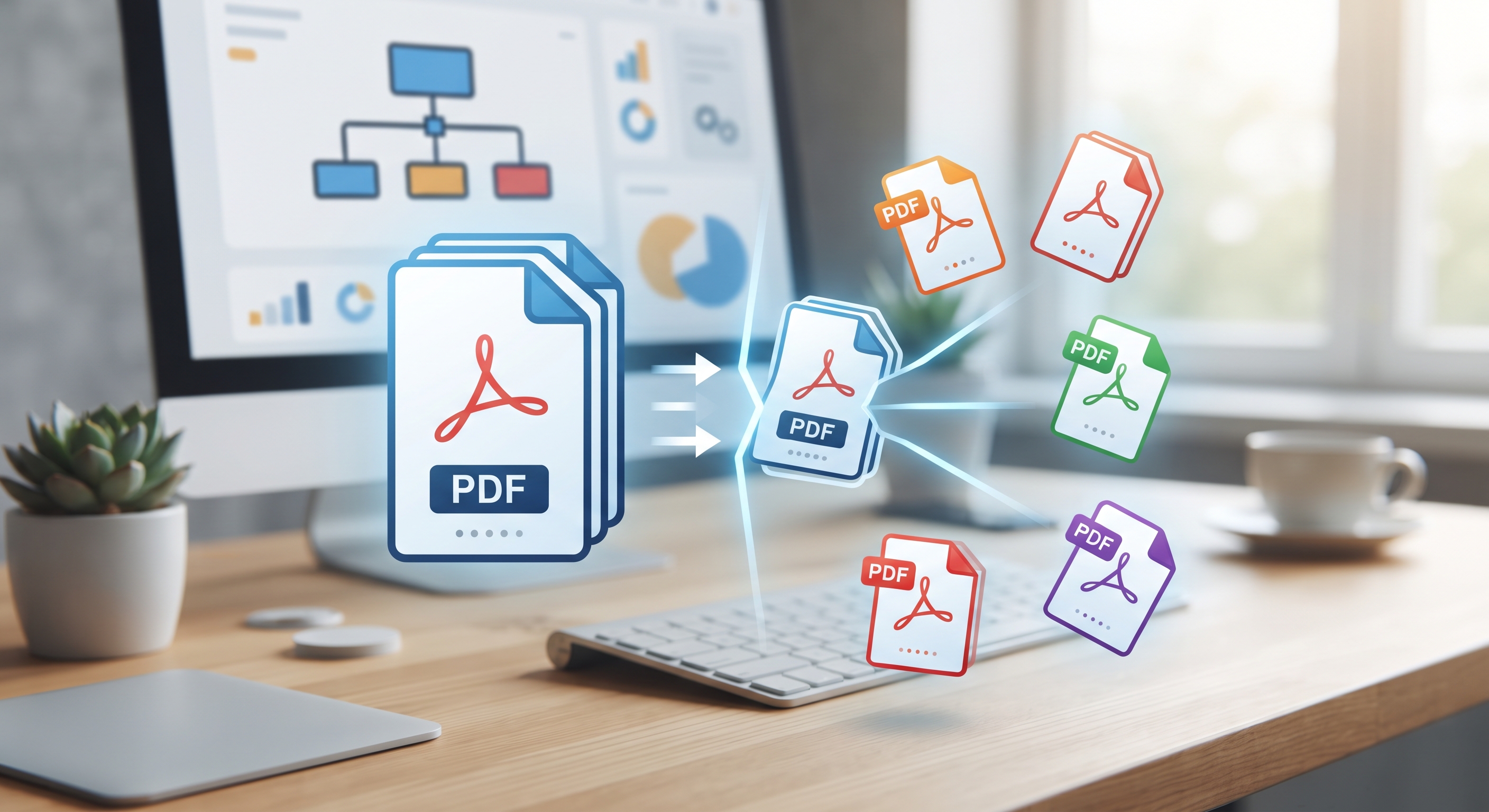
Introduction: Why Do You Need to Split PDF Files?
Large reports, presentations or e-books... In the digital world, documents in PDF format are an integral part of our lives. But sometimes you only need a specific page or a few sections of a single huge PDF file, rather than the entire one. In such cases, splitting the PDF file provides ease of editing and makes file sharing practical. KodaPdf offers a powerful and easy-to-use "PDF Split" tool designed to meet this need.
Overview of PDF Split Tool with KodaPdf
KodaPdf (kodapdf.com) is a user-friendly platform that allows you to split your PDF files quickly, securely and completely free of charge. You can complete this process in seconds via your browser, without requiring any download or installation. Your privacy is our priority; Your files are processed on our secure servers and permanently deleted after processing.
How to Split PDF Files Step by Step with KodaPdf?
Using KodaPdf's PDF Split tool is extremely simple. Here's what you need to do:
- 1. Go to KodaPdf PDF Split Tool: Visit kodapdf.com from your browser and find the "PDF Split" tool on the home page or go directly to the relevant page.
- 2. Upload Your PDF File:Choose the PDF file you want to split from your computer by clicking the "Select File" button. Alternatively, you can drag and drop your PDF file to the designated area. Your file will start uploading instantly.
- 3. Choose Split Method: KodaPdf offers you two main split options:
- Split by Page Ranges: This option allows you to specify specific page ranges (for example, "1-5", "10-12"), creating each range as a separate PDF file. You can add multiple ranges according to your needs.
- Split Each Page as a Separate File: Select this option to save each page in your PDF as a separate PDF file. This is ideal for easily splitting a multi-page document into individual files.
- 4. Start the Process:After making your selection, click on the "Split PDF" or similar button. KodaPdf will instantly process your file and split it according to the criteria you choose.
- 5. Download Your Split Files:Once the process is complete, you can easily download the new created PDF files individually or as a compressed ZIP file. For the security and privacy of your files, they will be automatically deleted from our servers after processing.
Advantages Offered by KodaPdf
Splitting your PDF files with KodaPdf is not only quick and easy, but also offers a number of advantages:
- Completely Free: No hidden fees or subscriptions required. Get unlimited access to all features.
- Privacy Focused: The security of your files is our top priority. After processing, your files are automatically deleted from our servers.
- Fast and Effective: Thanks to our advanced infrastructure, even large PDF files are processed and divided within seconds.
- User-Friendly Interface: It has a simple and intuitive design that anyone can easily use.
- Versatile Solutions: Besides PDF splitting, you can meet all your document management needs in one place by exploring KodaPdf's many other tools such as merging, organizing, rotating, compressing, protecting, opening, editing and even OCR.
Conclusion
Splitting your PDF files is now child's play with KodaPdf. Whether you want to split a large document into small, manageable pieces or just select certain pages, KodaPdf's powerful and free tool has you covered. Try KodaPdf now to easily manage your digital documents and optimize your workflow and see the difference!