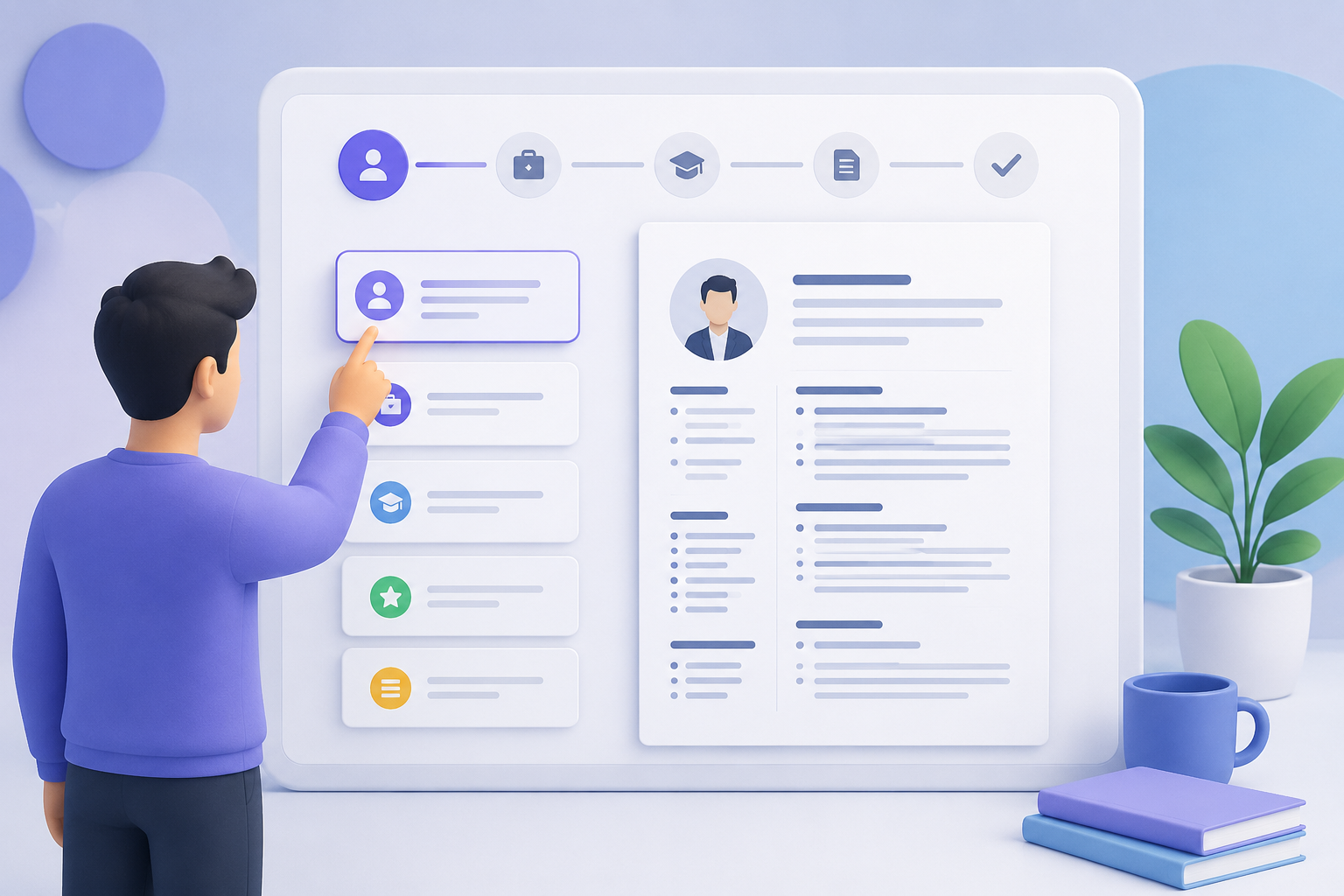
Why Should You Create a Resume with KodaPdf CV Builder?
In the competitive job market, first impressions are everything. A professional and impressive resume (CV) is the key to opening the doors to your dream job. KodaPdf's free and user-friendly CV Creator is designed to make this process easier for you. Here are some reasons why you should prepare your CV with KodaPdf:
- Ease of Use: You don't need complicated software or design skills. Thanks to our intuitive interface, you can create a professional CV in just a few clicks.
- Professional Templates: Choose from our modern and professional templates carefully designed to suit various sectors and positions.
- Free and Privacy Oriented: KodaPdf offers all its tools completely free of charge, while prioritizing the privacy of your personal data. You will not encounter any subscription or hidden fees.
- Fast and Effective: Enter your information in minutes, choose your template and have a CV ready for applications.
Creating a Professional CV Step by Step with KodaPdf
Using KodaPdf's CV Creator tool is quite simple. Here are the steps that will guide you:
- Accessing KodaPdf CV Creator: Go directly to the KodaPdf CV Creator page from your browser.
- Template Selection: Choose the one that best suits your style and the position you are applying for from the professional template options that appear.
- Your information. Enter:Completely and concisely fill out all required fields, including your name, contact information, educational background, work experiences, skills, and references, if any. Don't forget to highlight your accomplishments.
- Previewing and Editing: Review your resume. Check for spelling errors and make sure all information is correct. If necessary, you can make last-minute edits with KodaPdf's comprehensive PDF Editor feature.
- Download and Sharing: Safely download the professional CV you have prepared in the format of your choice (usually PDF). If you want, you can optimize it for email attachments by reducing the file size with KodaPdf's PDF Compressor tool.
Strengthen Your Resume with KodaPdf's Other Related Tools
You can further enhance your applications by taking advantage of other powerful tools offered by KodaPdf during and after the resume creation process. you can move forward:
- Convert PDF to Word: If you want to edit the PDF CV you created later or save it in a different format, you can easily convert it to Word.
- PDF Compressor: Application portals usually impose certain file size limits. Use this tool to reduce the size of your CV.
- PDF Editor: Edit directly on the PDF when you need to make last-minute changes to your CV or want to add special notes.
- OCR (Optical Character Recognition): If you need to extract certain information from a scanned document and add it to your CV, you can make the texts editable with our OCR tool.
- AI PDF Summary / PDF with AI Chat: Business You can better prepare for interviews by quickly summarizing or chatting with job postings or company promotional documents.
Why Should You Choose KodaPdf?
KodaPdf offers you much more than just a CV creator in your job search:
- Completely Free: Access high-quality tools at no cost.
- Privacy Focused: The security and confidentiality of your data is for us. is our top priority.
- Online and Accessible: Access all our tools from anywhere and on any device, without the need to download any software.
- Comprehensive Toolset: A single, integrated platform for all your PDF needs, from CV creation to document management, from conversion to security.
Take the first step towards your dream career using KodaPdf's CV Builder tool now! Start Creating Resume with KodaPdf Now!