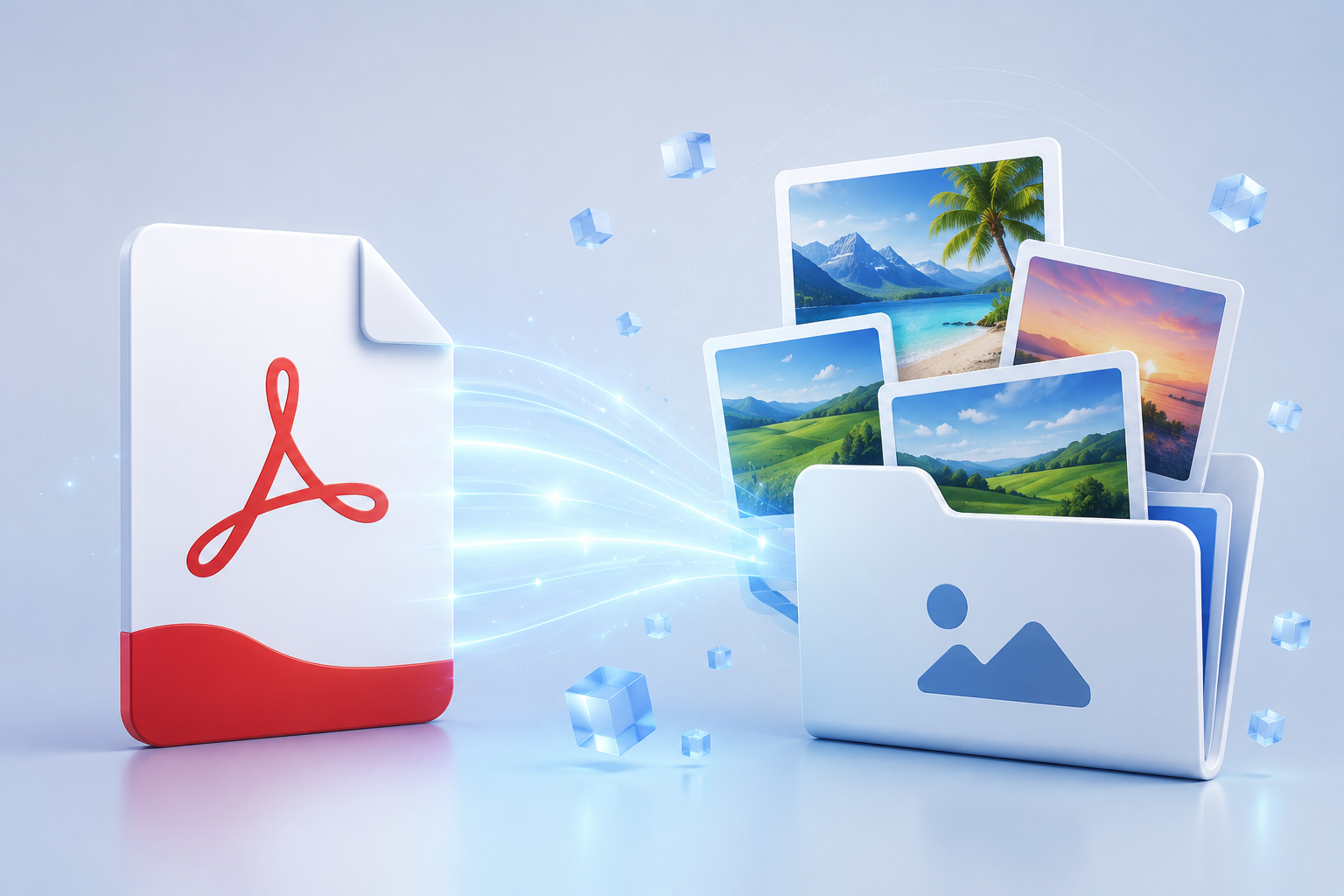
Why Extract Images from PDF?
PDF documents often contain text as well as important images, illustrations, tables, and infographics. Sometimes you may want to use these images in your presentations, excerpt from a report, or simply save them in a different format. Extracting images from PDF is the fastest way to make this valuable content reusable and editable. However, it is critical not to lose the quality of the images while doing this.
Extracting High-Quality Images from PDF with KodaPdf: Step-by-Step Guide
KodaPdf is a free and user-friendly tool that allows you to extract images from your PDF documents in high quality and effortlessly. Here's how:
1. Use KodaPdf's PDF to JPG or PDF to PNG Converter Tool
By converting each page in a PDF into a high-resolution image file, you effectively extract all visual content from your document. KodaPdf's converters are ideal for this process.
- Step 1: Go to KodaPdf.com in your browser.
- Step 2: "PDF to JPG" or "PDF to JPG" on the home page or under the "Conversion" menu. Select the "PDF to PNG" tool. PNG may be better suited for graphics and logos because it offers support for transparent backgrounds, while JPG offers smaller file sizes for photos. You can choose one according to your needs.
- Step 3: Click the "Upload File" button and select the PDF document from your computer that you want to extract images from. If you wish, you can drag and drop the file.
- Step 4: KodaPdf will quickly load your PDF document and start the conversion process. Each page will be processed as a separate JPG or PNG image.
- Step 5: Once the conversion is complete, you will see the option to download all the created images in a single ZIP file. Save this file to your computer.
- Step 6: When you open the ZIP file, you will see that each page in your PDF document has been saved as a separate high-quality image file. Now you can use these images as you wish!
Advantages of Image Extraction with KodaPdf
- Free and Accessible: Benefit from all these features without paying any fee.
- Privacy Focused: The privacy of your files is our top priority. The files you upload are automatically deleted from our servers after a certain period of time.
- High Quality Output: Extract your images at close to or exactly the same quality as their original quality.
- User-Friendly Interface: Get your work done in a few clicks, without the need for complex software.
- Versatility: Don't just extract images, with many other tools offered by KodaPdf. Organize and manage your PDFs as you wish.
Other Powerful Tools of KodaPdf for Your PDF Operations
Visual extraction is just the beginning! KodaPdf also offers a number of other powerful tools for your PDF management and conversion needs:
- PDF Compression: Optimize file sizes before or after extracting images.
- PDF Merge and Split: Merge pages from which you want to extract images, or split a single document into multiple parts.
- OCR (Optical Character Recognition): From scanned PDFs make texts editable.
- PDF Editor: Edit text and images directly on PDF.
- CV/Resume Builder: Create professional resumes and enrich them with images.
Conclusion
KodaPdf is the easiest, fastest and safest way to extract images from your PDF documents in high quality. Access the images you need without wasting time with our free tools and start using them in your digital projects. Visit KodaPdf.com now and take control of your PDFs!