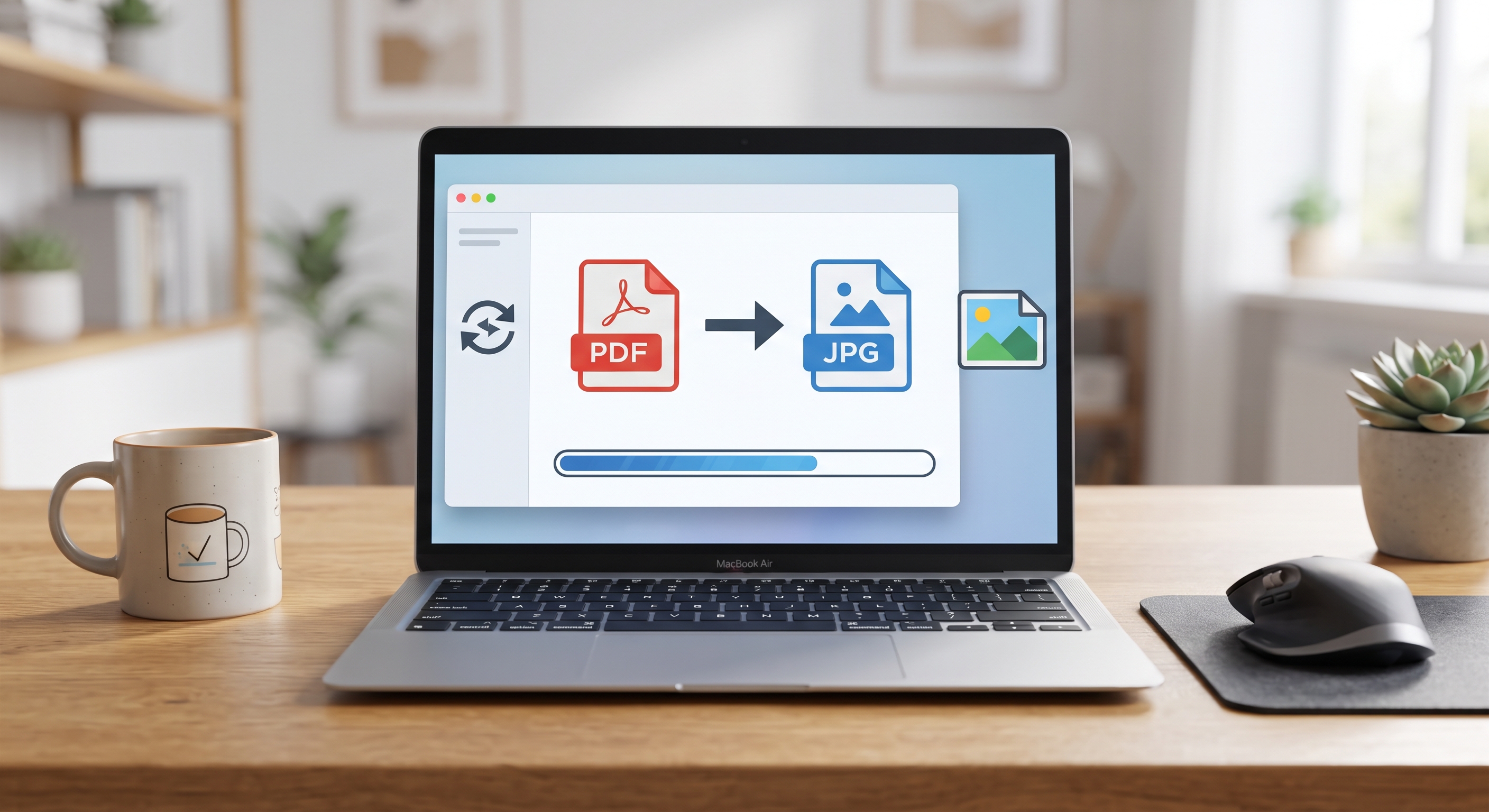
Why is it necessary to convert PDF to JPG?
In the digital world, the need to use our documents in different formats arises frequently. Converting PDF to JPG is the most practical solution when you want to use a PDF document as an image, for example, to add it to your website, share it on social media, include it in a presentation, or make it easier to view as an email attachment.
JPG format is one of the most common and compatible formats for images. KodaPdf makes this conversion process completely free, fast and safe for you.
Easily Convert PDF to JPG with KodaPdf
Thanks to KodaPdf's user-friendly interface, you can convert your PDF documents into high-quality JPG images in seconds. Here's how to do it step by step:
- Visit KodaPdf Website: Go to kodapdf.com from your browser.
- Select "PDF to JPG" Tool: "PDF to JPG" on the home page or under "Conversion" tools Find the tool and click it.
- Upload Your PDF File: Drag and drop the PDF file you want to convert or select it from your computer by clicking the "Select File" button.
- Start the Conversion Process: Once your file is uploaded, KodaPdf will automatically start the conversion process. If necessary, you can make optional settings such as page selection.
- Download Your JPG Files: Once the conversion is complete, you can download the created JPG files to your computer individually or as a compressed ZIP file.
Advantages of KodaPdf's PDF to JPG Converter Tool
- Free and Unlimited: You can download as many PDF files as you want with no hidden costs or usage limits. Convert to JPG.
- Fast and Efficient: Thanks to our advanced servers, even large PDF files are quickly converted to JPG.
- Privacy and Security: The privacy of your uploaded files is our priority. Your files are automatically deleted from our servers after a certain period of time.
- High Quality Conversion: You get clear and sharp JPG files by preserving the visual quality of your original PDF.
- User-Friendly Interface: It has a simple and understandable interface that users of all levels can easily use.
- Versatile Usage: Whether you convert a single page or an entire PDF document to JPG, KodaPdf meets all your needs.
Improve Your Workflow with Other KodaPdf Tools
KodaPdf is not limited to just the PDF to JPG conversion tool. It offers much more for your document management needs:
- Other Conversions: Easily convert PDF to Word, Excel, PPT, PNG, TXT and vice versa.
- PDF Management: Merge, split, organize, rotate or compress PDFs to reduce file sizes.
- Advanced Features: OCR scanned documents Make text editable and quickly extract information from your PDFs with AI-powered summarization and chat features.
- Special Tools: Take advantage of our special tools such as CV/Resume creator, invoice generator or password generator.
Get Started Now!
Converting your PDF documents to JPG has never been easier. Optimize your digital document workflow now with KodaPdf's free and reliable tools. Visit kodapdf.com to try it!