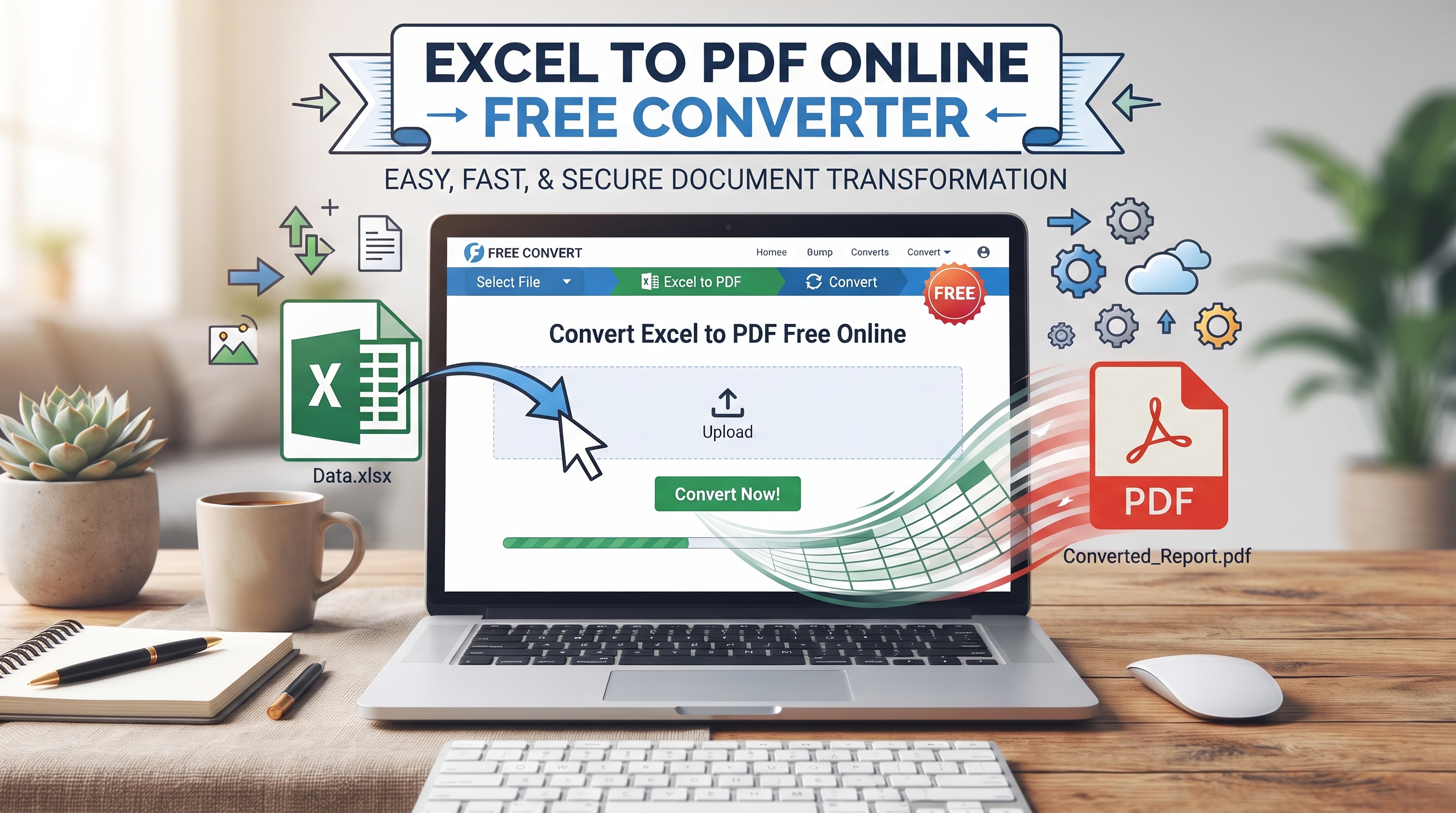
Why Should You Convert Your Excel Files to PDF?
Microsoft Excel is an indispensable tool for working with tables and data. However, sometimes it may be more advantageous to convert Excel files to PDF format, especially when sharing with colleagues, printing, or when you want to ensure the security of data.
- Universal Compatibility: PDF files look the same on almost every device and operating system. This means your document will be viewed by everyone without errors.
- Fixed Layout: Excel files may become out of order when opened in different software or devices. PDF preserves the original layout and format of your document.
- Safer Sharing: PDFs prevent content from being easily modified. You can provide extra security by adding a password with KodaPdf's PDF Protection tools.
- Professional Look: PDF format offers a more professional presentation style for reports, invoices or important presentations.
How Easy is it to Convert Excel to PDF with KodaPdf?
As KodaPdf, we have made the process of converting your Excel files to PDF as simple and fast as possible. Here's how to do it step by step:
That's it! Within seconds, your Excel table has been converted to a high-quality PDF with its layout intact.
Advantages of KodaPdf: Why Should You Choose Us?
- Free and Accessible: You can use all of KodaPdf's Excel to PDF conversion features at no cost. No hidden costs or subscriptions!
- Online and Device Independent: No need to download any software. You can access KodaPdf through your browser from any device with an internet connection (computer, tablet, phone).
- Secure and Privacy Focused: The security and privacy of your files is our priority. The files you upload are automatically deleted from our servers after a certain period of time.
- Fast and Efficient: Thanks to our advanced infrastructure, we convert even large Excel files to PDF in a short time.
- High Quality Output: Converted PDFs perfectly preserve the original format, cell structure and fonts of your Excel file.
Don't Just Convert: Other Useful Tools from KodaPdf
KodaPdf is more than just an Excel to PDF converter. We offer a wide range of tools for your document management needs:
- PDF Compression: Make storage and sharing easier by reducing the file size of your converted PDFs
- PDF Merge: Merge multiple PDF files into a single document.
- PDF Split: Split a single PDF file into multiple smaller files
- PDF Editor: Make changes to your PDF files, such as adding and editing text, images.
- PDF Unlock: Securely unlock password-protected PDFs
- AI PDF Summary and Chat with AI PDF: Summarize your long PDF documents in seconds or gain information by asking questions with artificial intelligence.
- OCR PDF: Convert scanned PDFs into editable and searchable text.
Conclusion
Converting your Excel files to PDF is an important step in ensuring your documents look professional, share securely, and stay organized. As KodaPdf, we offer you this process with a completely free, safe and user-friendly platform. Visit KodaPdf today and become your one-stop shop for all your document management needs!